Homebuyer Help
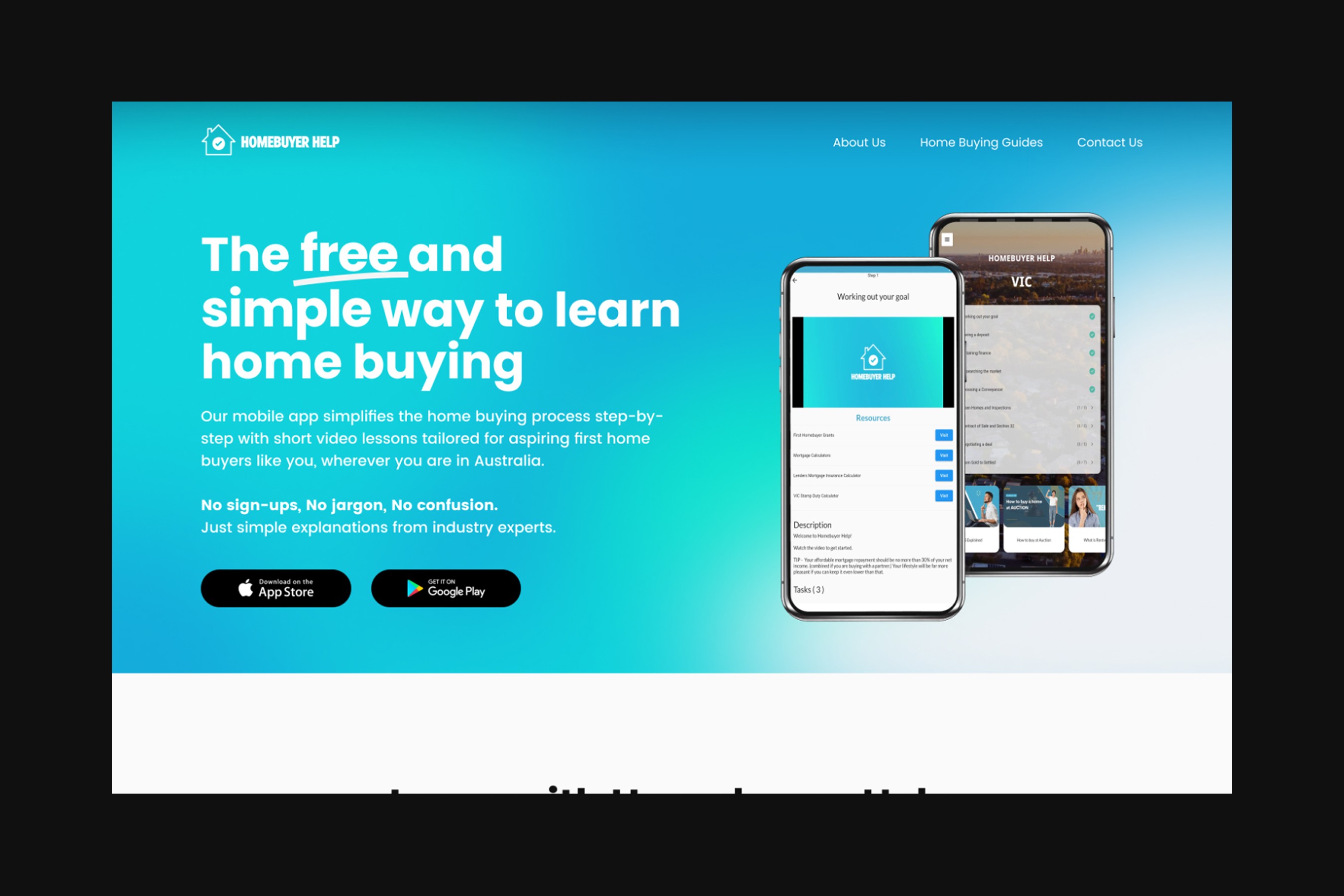
Homebuyer Help is an educational platform that simplifies the first-home buying process for Australians by walking them through the journey with a step-by-step guide.
To improve user retention, we transitioned from an app to a desktop site and web app, better aligning with the target market's learning habits despite it being outside the original client requirements.
INDUSTRY
Tech
DELIVERABLE
Product Strategy
Website Design
ROLE
Lead UI Designer
UX Designer
About Homebuyer Help
Homebuyer Help is an educational platform that simplifies how Australians learn about first-home buying by guiding them through the journey via self-paced steps.
Each step includes a module of educational videos created by the founder and is paired with external resources and task checklists. All content has been developed based on his past experience as a real estate agent and his conversations with potential/existing home buyers.
From the Client
Shelley’s ability to understand and translate user requirements into practical design elements was truly impressive
She worked closely with me to ensure that the new website effectively aligned with the vision for my business. Her creative flair and dedication to user-centric design greatly contributed to the overall success of the project. It was a pleasure working with her.
– Mathew Heywood, Founder of Homebuyer Help
Project Brief
The Challenge
Our challenge was to improve the existing app, with the goal of maximising its value to users by retaining them until property settlement.
Some of the objectives and considerations for this project were:
Design a simple and intuitive user experience for users to pick up and know what they’re doing
Increase user retention and encourage them to make their way through the whole process
Homebuyer Help is only available as a mobile app on the App Store and Google Play
Market Research
So who's helping first home buyers right now?
As a team of non-homeowners, we dove deep into research to better understand the real estate market and typical home buying journey.
Whil there was no one-stop-shop for all home buying information, we found three key groups of institutions that actively created relevant content:

Real Estate Sites
Real estate advertising sites like REA and Domain have in-depth first home buyer guides, however, they focus on finding the right property, rather than the process itself.
Agency sites (e.g. LJ Hooker, Ray White) provided little information about the home buying process.

State Governments
We found government content varies state by state and concentrates on grants available to first home buyers, rather than the process.
While some states provided comprehensive guides, others had outdated information that was difficult to find on the site.

Financial Institutions
Australia's Big 4 banks all publish detailed outlines about the home buying journey, but take the opportunity to upsell their loans.
Similarly, mortgage brokers (e.g. Aussie) provide informative content, but incentivises users to give personal information, so they can generate leads.
User Research
We spoke to people all over Australia to understand property buying behaviours + motivations
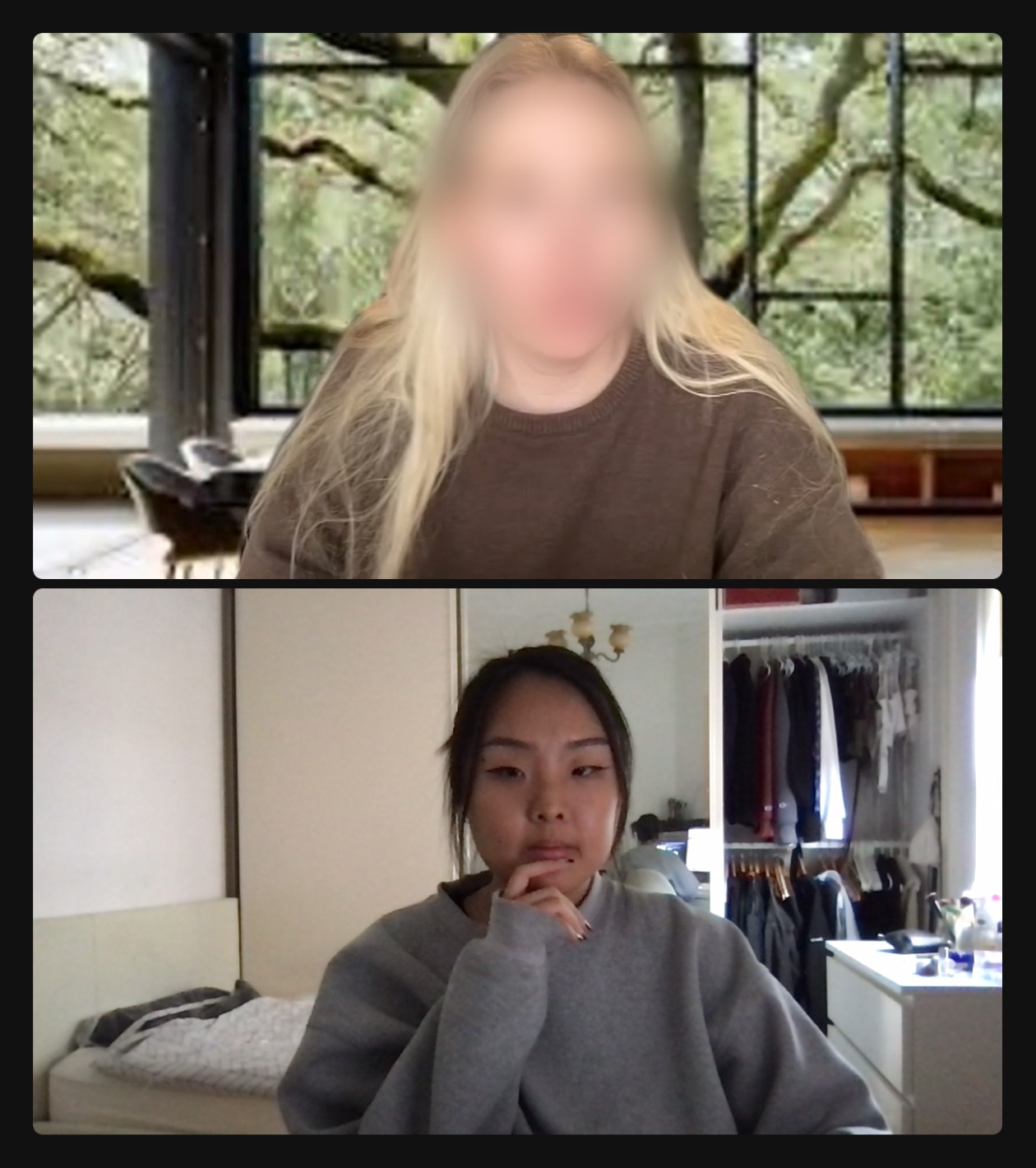
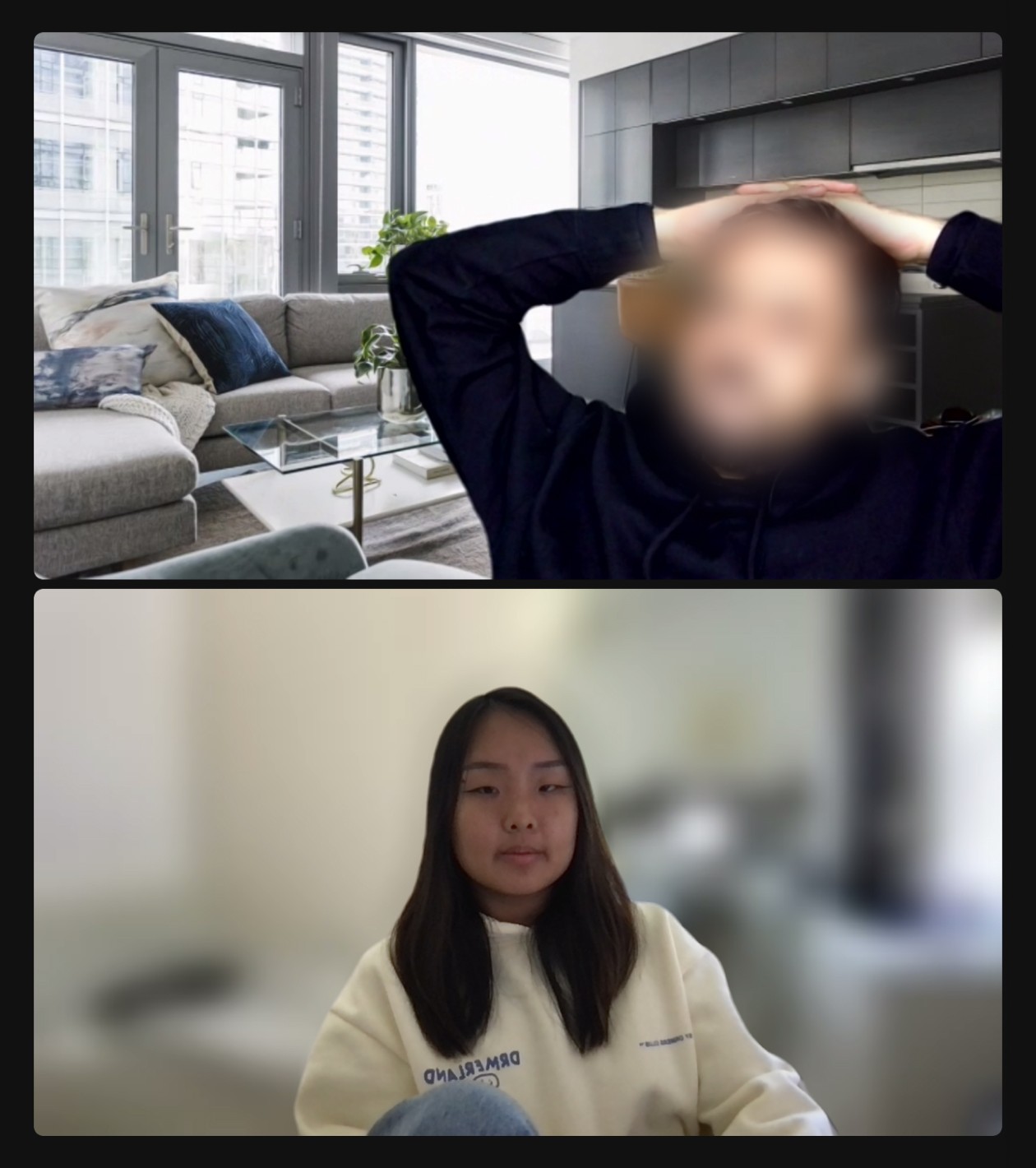
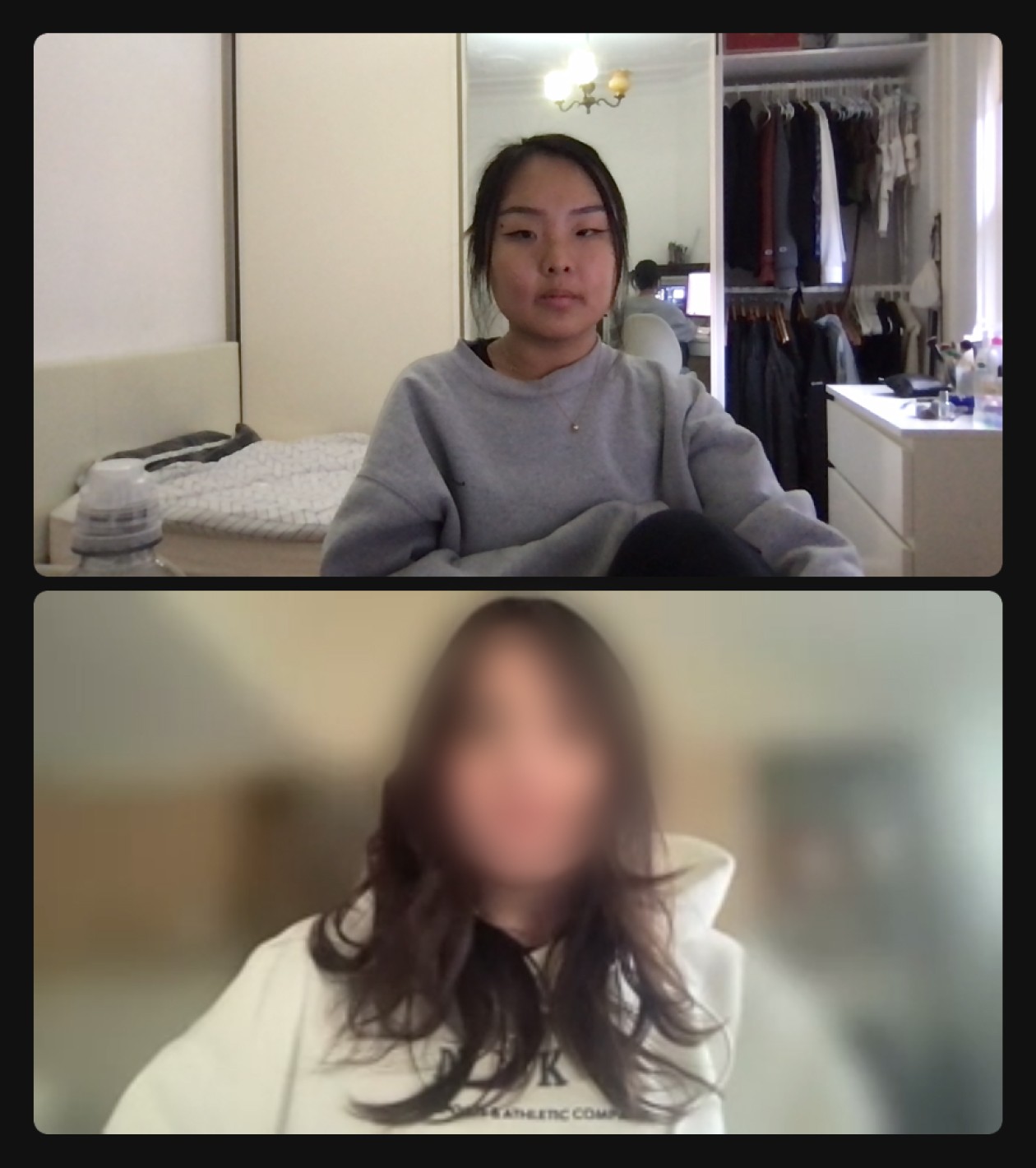
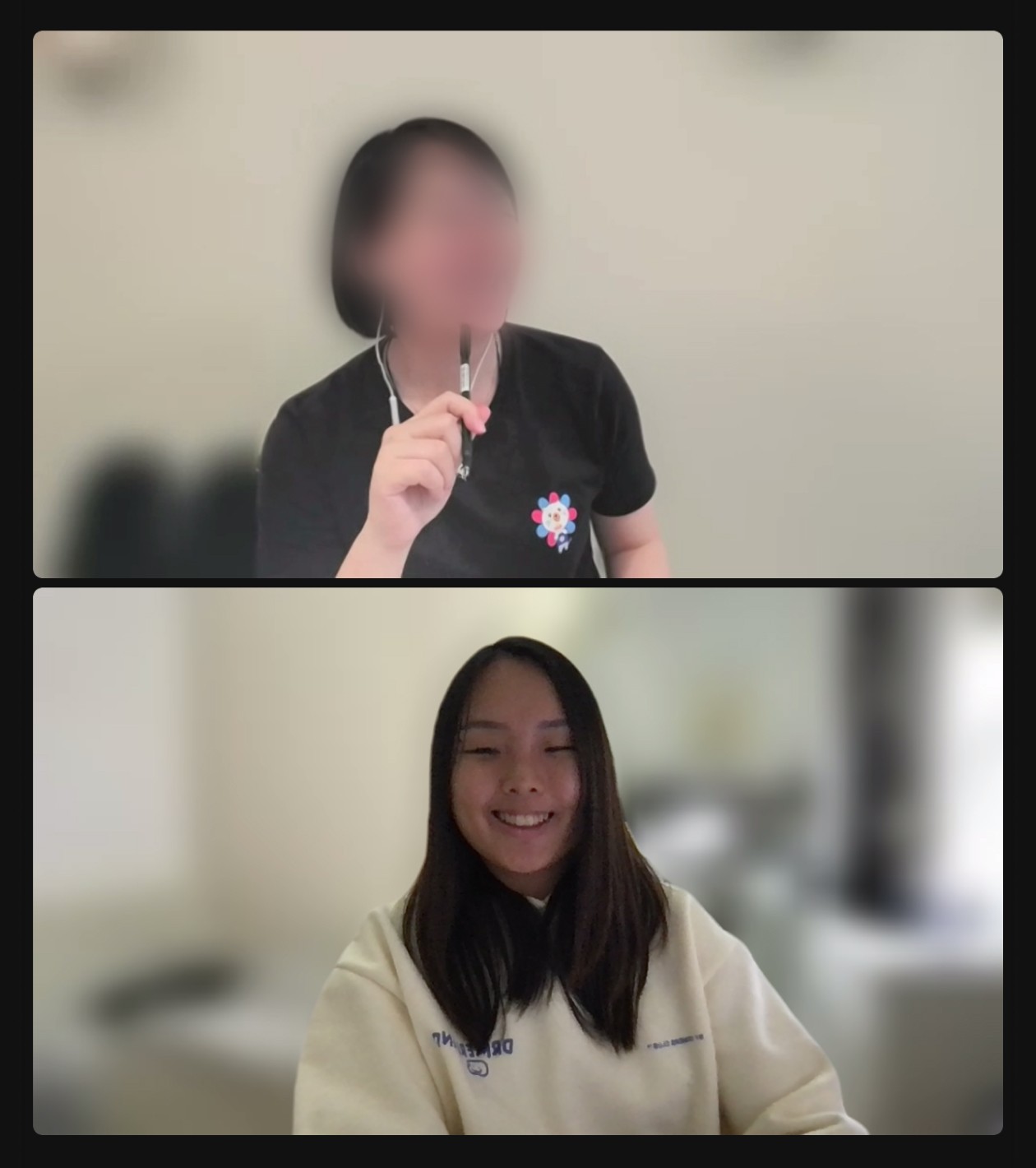
There were three main groups of people that we interviewed:
Prospecting and existing property buyers
Professionals in the real estate industry
Existing and past Homebuyer Help users
We spoke to everyone about their home buying experience (or lack of) and gathered insights on their research, decision-making and organisation behaviours.
Since Homebuyer Help is an educational app, we also asked each interviewee about their experiences in engaging with educational content online.
Some key insights we drew for these interviews include…



People don't start to research home buying until they have enough for a deposit
Understanding this behaviour was key to dissecting the user journey – this was the first step of home buying for potential and existing home buyers alike.
Digital learners engage with short-form educational content on desktop devices
Our learners watch videos on both mobile and desktop, but there was distinct trend of mobile being used for entertainment and desktop for learning.
They also have short attention span, look for a combination of visual and written learning material, and often multi-task.






Family and friends are our first advisors
The majority of our interviewees first spoke to people in their personal networks with first hand experience in house buying, before reaching out to professionals for their experience and services.
Professionals spent a lot of time giving clients basic financial advice
From the business perspective, real estate agents and brokers often had to give financial advise to their clients – particularly around how to acquire a home loan, understanding borrowing capacity and determining their budget.



Setting Up Our Foundations
This led to some design goals for us to ideate around...
Before ideating, we set some design goals to ensure we were creating the most effective MVP for Homebuyer Help.
However, this is when we realised that the considerations in the brief didn't necessarily have the user's best interests in mind.
We ultimately decided on some design goals that strayed away from our client's initial vision, as we prioritised designing a product that was user-centric. While this was a hard conversation to have with our client, we knew our design decisions were supported by our research and would benefit Homebuyer Help in the long run.

Goal 1 – Design for Desktop First
Although the brief requested a design for the Homebuyer Help mobile app, our user research showed that potential and existing home buyers prefer researching on desktop devices.
While they enjoy video content on mobile apps like Instagram and TikTok, they seek educational and informative content on laptops and PCs.

Goal 2 – Acquire the Right Users
While the brief emphasises user retention, we believe acquisition is just as important.
We aim to attract users who are actively preparing to buy property, rather those who are merely curious. This increases our chances of retaining users through the Homebuyer Help journey, as they are more likely to follow the steps in real time.

Goal 3 – Keep it short and sweet
Our users are multi-taskers with short attention spans, so our content needs to be digestible and scannable.
They’re also used to consuming visual and written content together, especially in learning environments. If video content is included, it should be under 10 minutes.
Our Solution
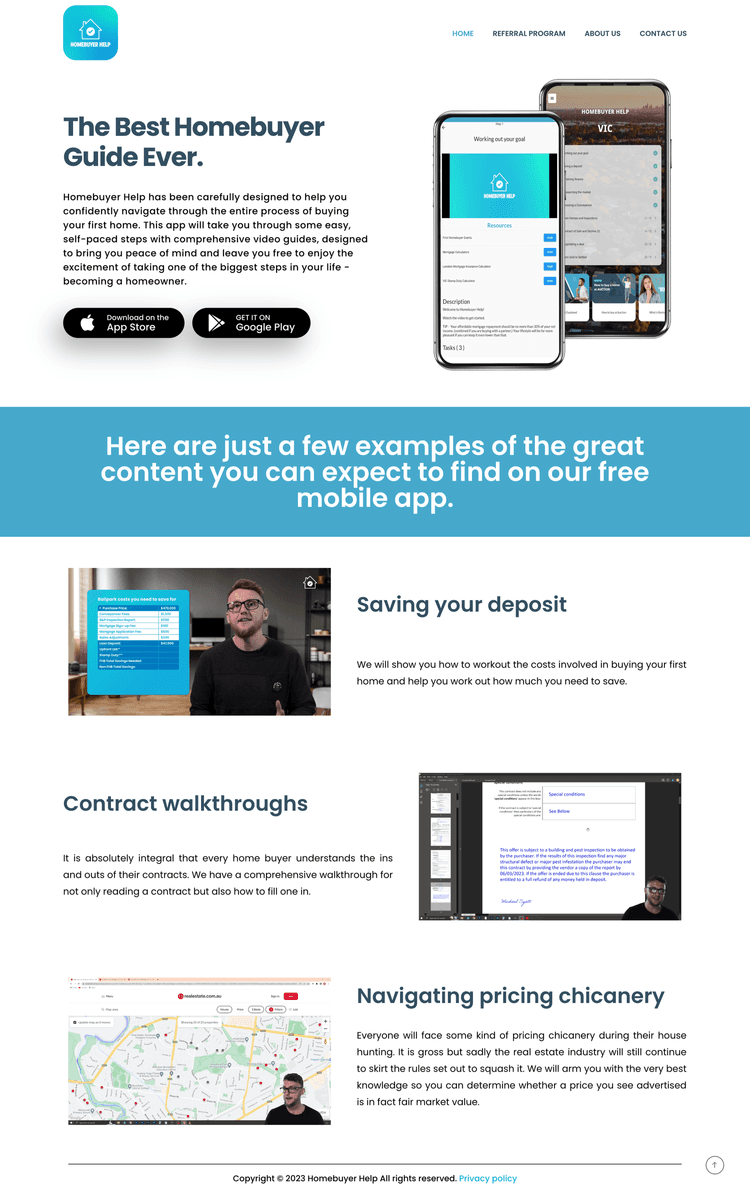
We decided to redesign and transfer the existing app content onto the Homebuyer Help website
When our team reviewed the Homebuyer Help app, we found that it provided adequate information to help users better understand the home loan process and the options available.
However, gatekeeping the content in a mobile app did not align with user behaviours, resulting in few first home buyers accessing the valuable information. By shifting the focus to the desktop site, we can help more first home buyers easily access neutral information about the home buying process.
Justification
By building out the Homebuyer Help website, we aim to...
Communicate the value of the Homebuyer Help app to potential users by giving them an overview of the app’s content on the website first
Acquire more engaged app users who are downloading Homebuyer Help’s app with the intention to purchase their first property and follow the step-by-step guide in real time
Easily update, test and validate different formats of the app’s content in a cost-effective way, as adding/removing features from a site is easier than on an app
It's important to note that while we were focusing on the website, there was no intention for it to replace the mobile app at this stage.
Content Strategy
UX writing became key to delivering an effective design
Our primary objective of our design solution was to ensure users were able to find relevant information easily and quickly on the new Homebuyer Help website.
Whilst we were confident in the overall structure and layout of our site, user-testing showed the importance of effective copywriting. The use of basic copy and dummy text in our prototypes resulted in a lack of understanding of the website's purpose and an inability to discern the unique benefits of Homebuyer Help.
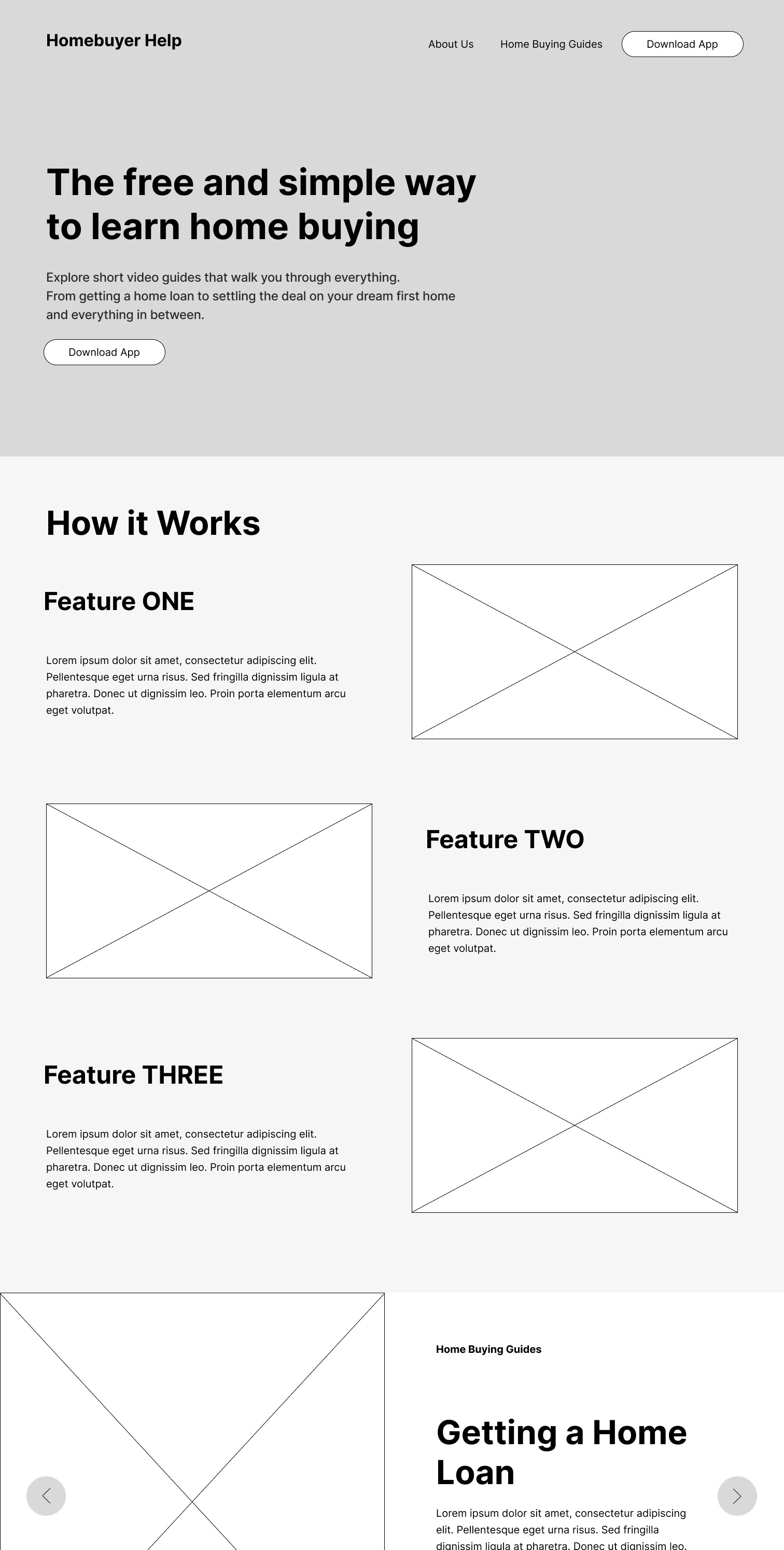
vs
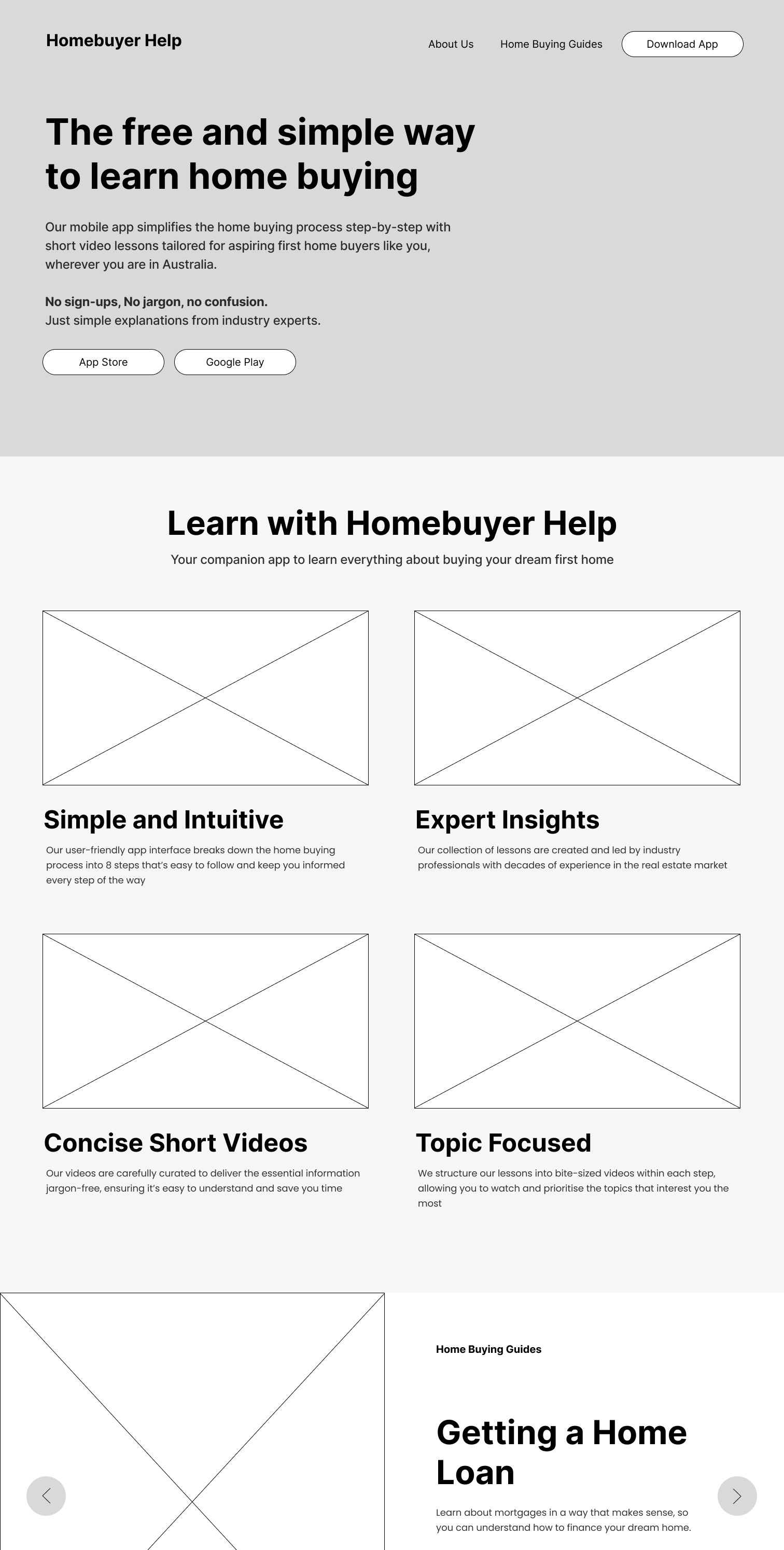
This realisation led us to develop a content strategy focused around providing unbiased information that educates and empowers users to make informed decisions.
Referencing the existing content, we also refined Homebuyer Help's tone of voice:
Friendly and approachable, so our users feel welcomed and at ease
Provides guidance and empowers users to make confident decisions
Uses everyday language to ensure the content is easily understood
User Feedback
Adjusting our design to help users find information as quickly as possible
With our content strategy in place, we added visual imagery to create further context and refreshed the overall UI to better align with Homebuyer Help's existing brand guidelines.
During testing, users mentioned that some design decisions around the site's UI inhibited them from finding relevant information quickly.



Homepage Design
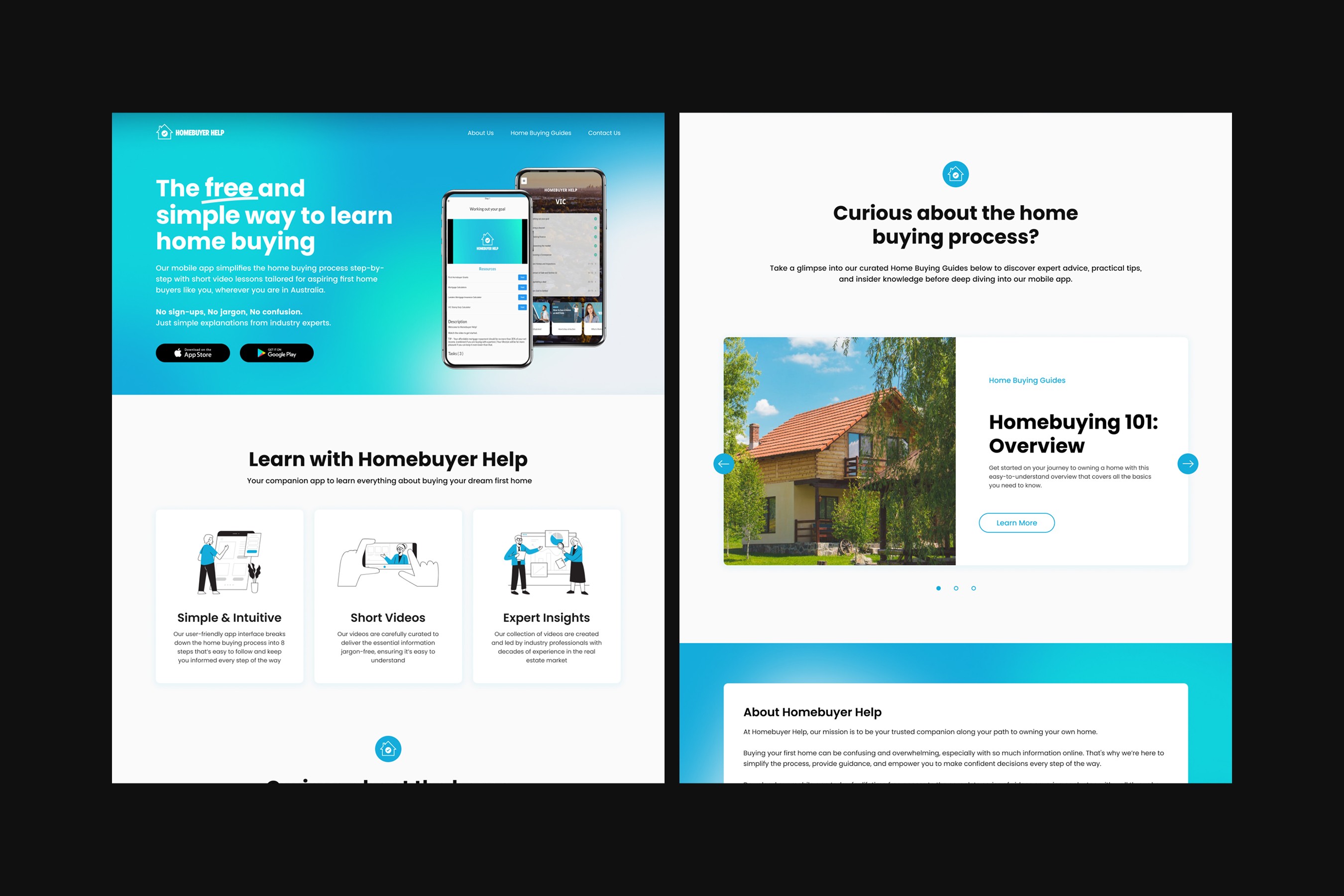
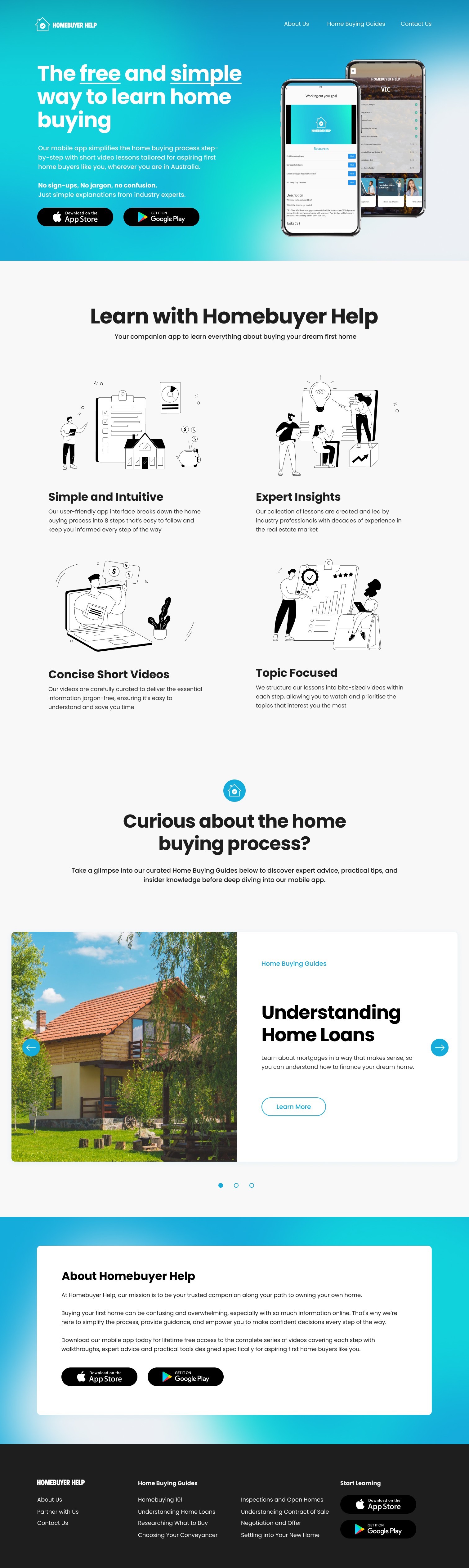
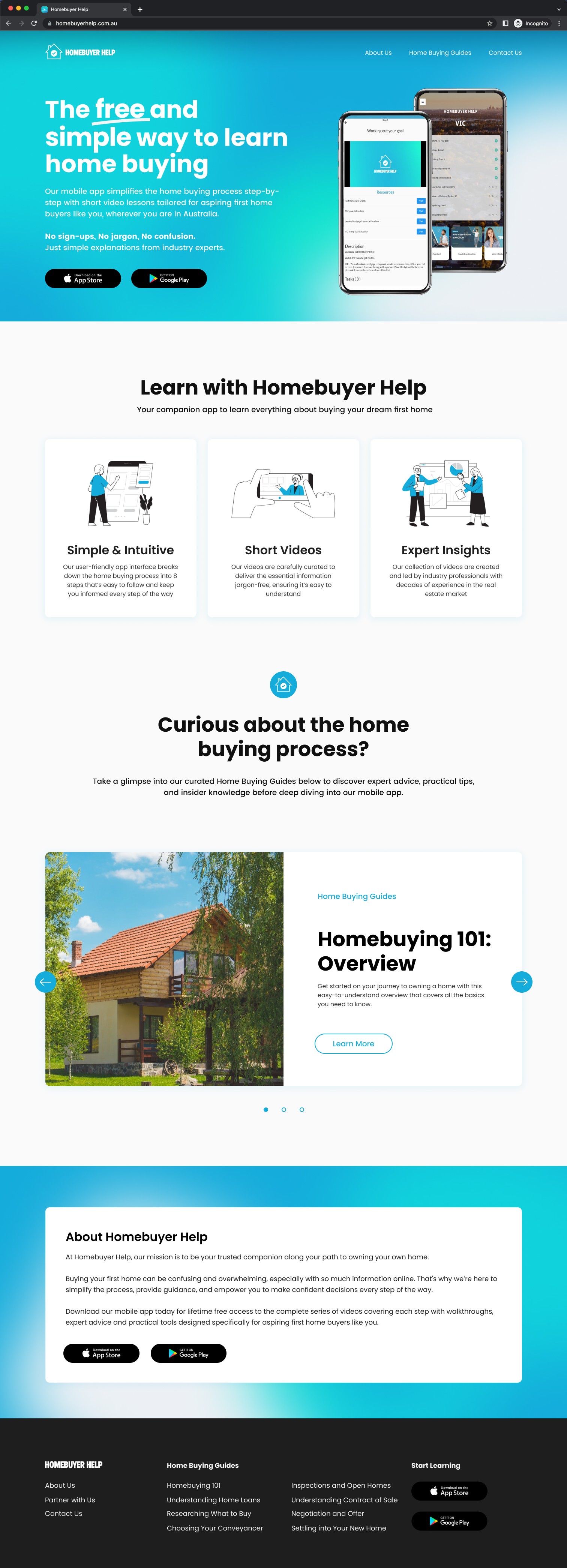
On our homepage, users noted that the sizing and placement of the 'Key Benefits' section created unnecessary scrolling before the Guides Carousel (i.e. where the true value is). They were also confused about the underlining of "free" and "simple", as it was mistaken as a hyperlink and led to unintended clicks.
INITIAL VS UPDATE HI-FI PROTOTYPE
vs
Guides Page Design
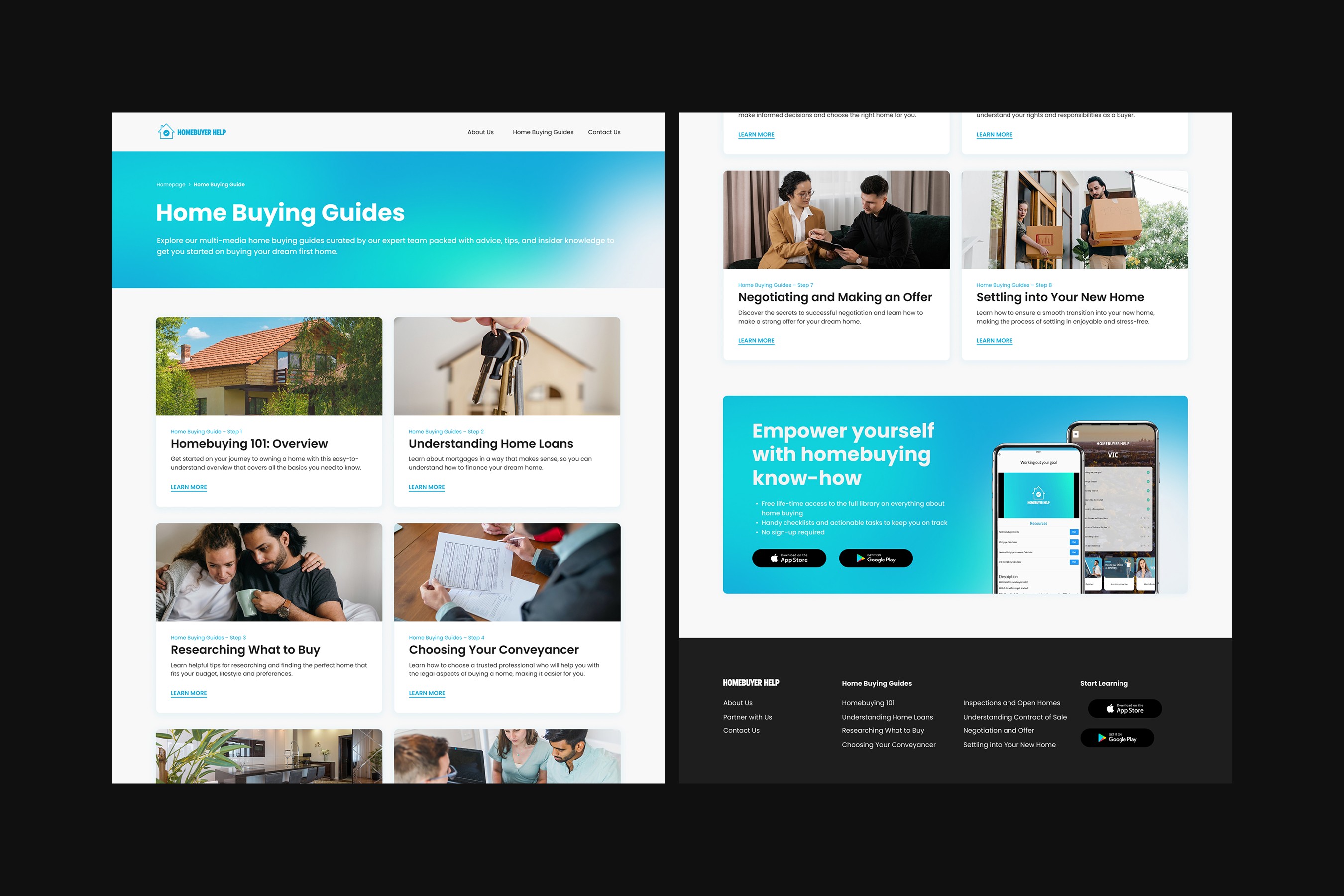
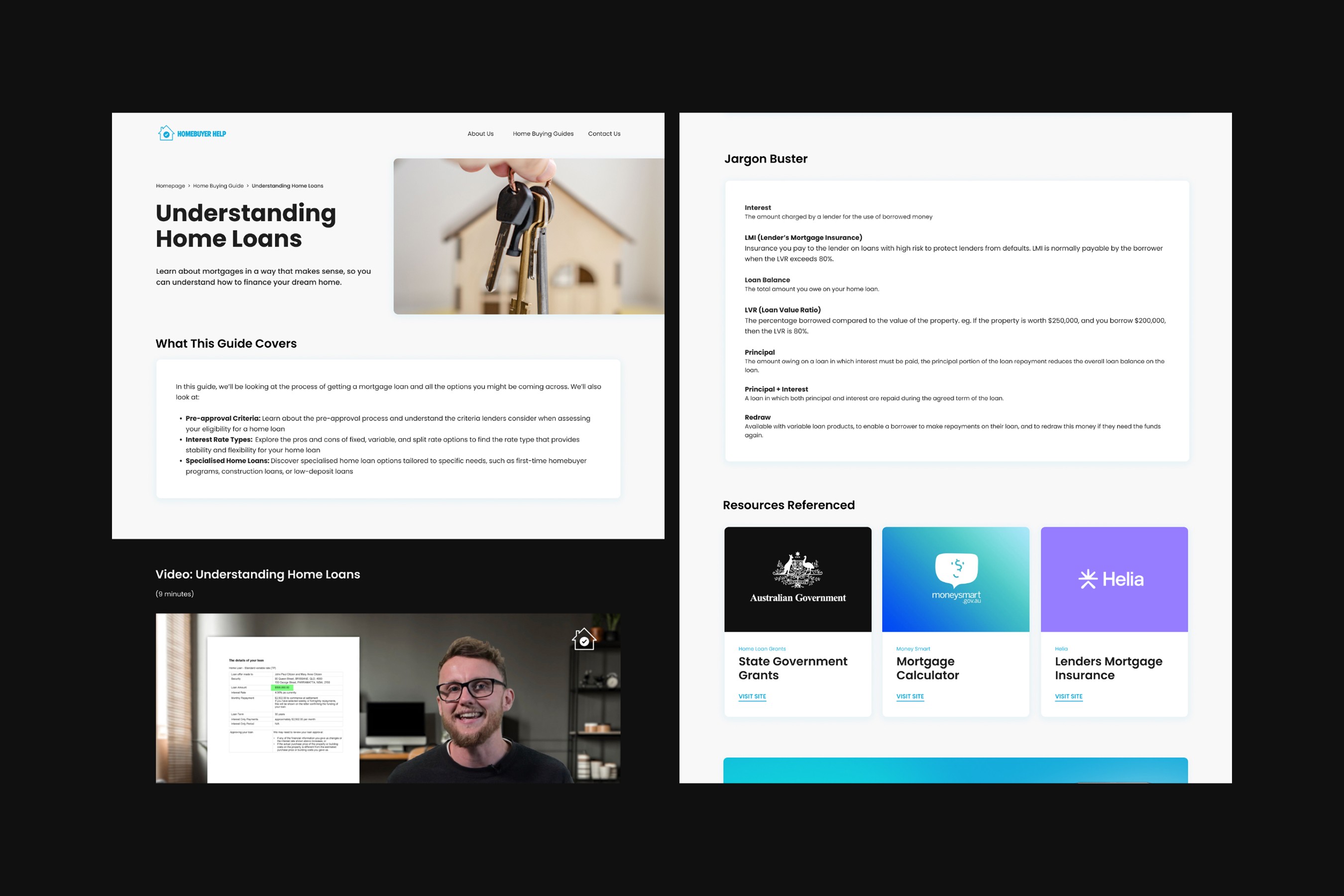
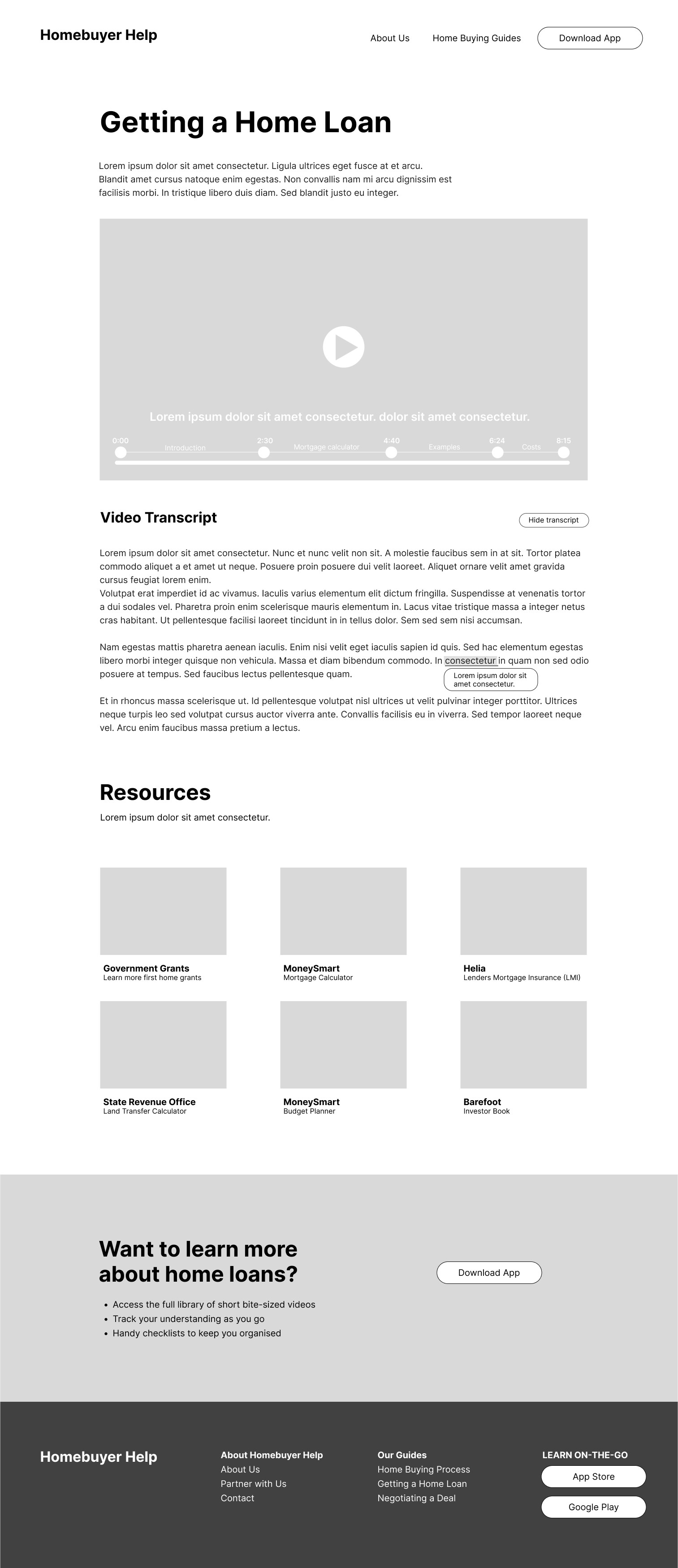
On our Guides page, users found our initial prototype wasn't easily scannable and couldn't discern what content was being covered in the guide. They also failed to understand the purpose of some features, such as our jargon buster: a feature that allows users to see the definition of industry-standard terms on hover.
Such pain points made it difficult for users to be interested in reading the guide properly and ultimately led them to abandoning the site without learning more.
LO-FI VS HI-FI PROTOTYPE
vs
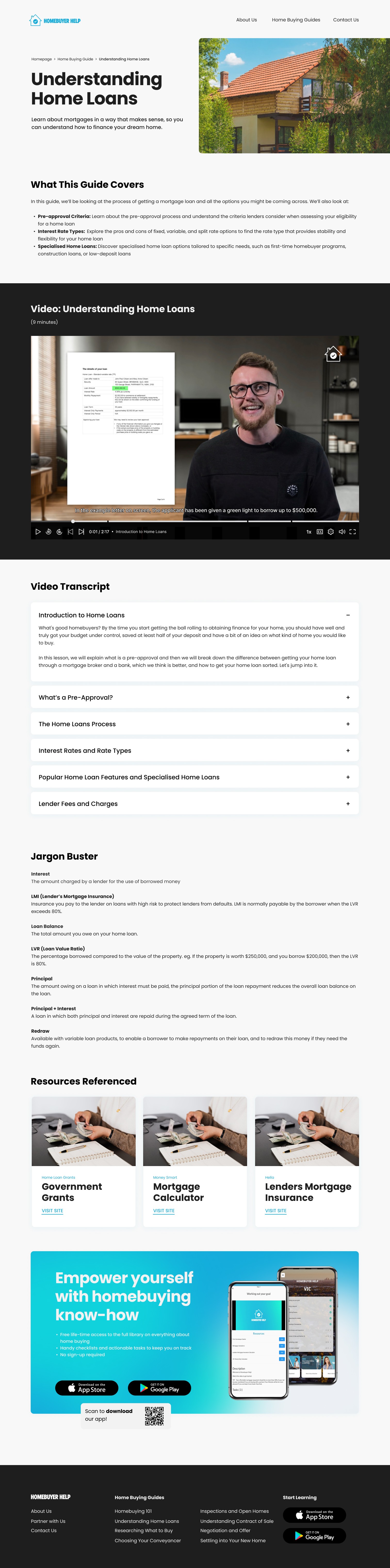
To mitigate these pain points, we used our content strategy and visual design elements to segment the guide.
All users voiced that the prioritisation of static content whilst using a mix of text and video content was very effective, as it made it easy for them to scan the page, before deciding to interact with the guide in-depth. This observation validated out earlier user research.
The Final Design
We turned Homebuyer Help's site into a learning hub about the Australian home buying process
While our initial brief focused on improving the mobile app, our team proposed pivoting Homebuyer Help into a desktop product. Based on our research, this approach better aligns with the target users’ learning behaviour of researching and consuming educational content on desktop devices.
The new Homebuyer Help site is designed to cater to those with a casual interest in understanding the home-buying process by offering a high-level overview. This allows the mobile app to serve as a more detailed, real-time guide, helping users navigate each step of their home-buying journey.
For the MVP, we've recommended migrating the app’s existing content to the site. This serves as a cost-effective solution that can be easily implemented and enable us to test the validity of a desktop-first strategy.